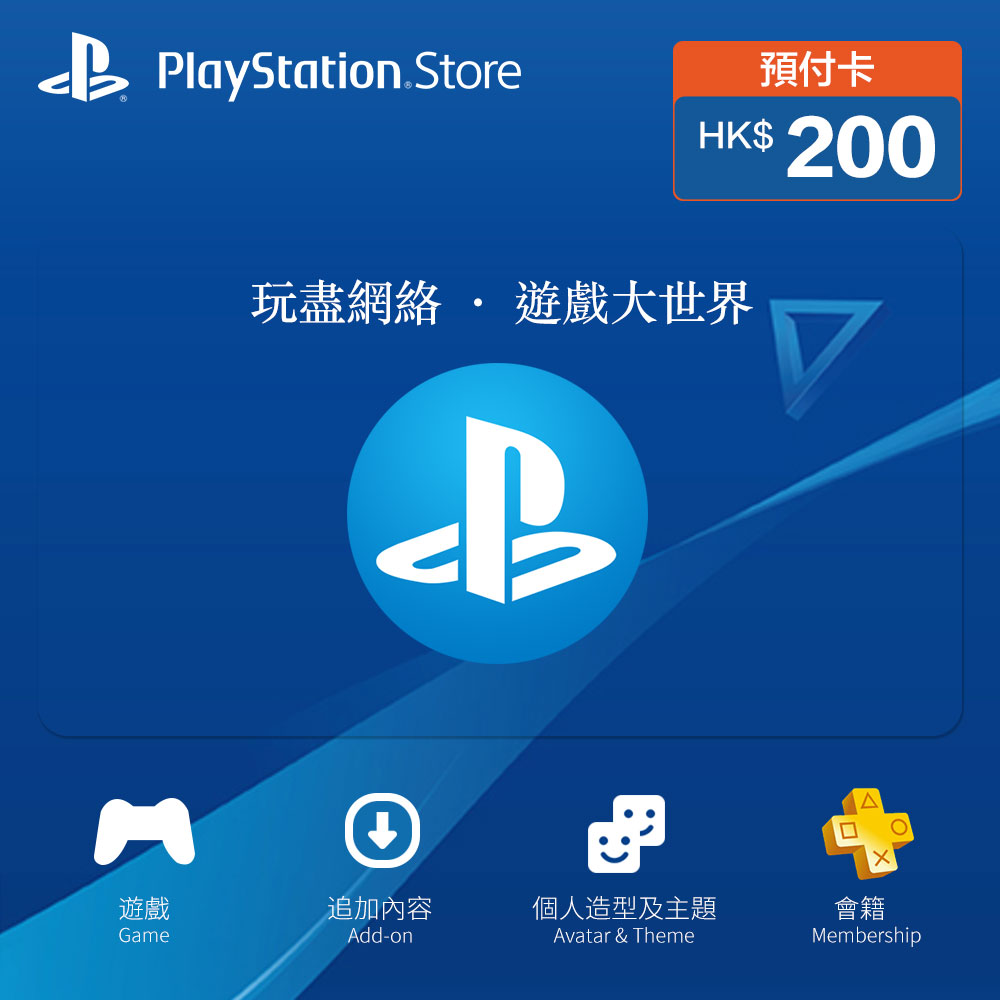
PlayStation Network prepaid card · (Instant delivery) Hong Kong PlayStation Network HKD200 Playstation · PSNprepaid card wholesale · Buy account
Updated
PlayStation account, supplied as sign-in details. Region label: Hong Kong.
U = USDT (1 USDT ≈ 1 USD)
Prices are shown in U (USDT). Before transferring, verify the exact amount, address and network on your payment page.
Product introduction
Hong Kong PlayStation gift cards correspond to the Hong Kong specifications of this section; when comparing products from other regions on the same platform, you should check the regional labels and actual usage requirements respectively.
After-sales instructions
If the product does not match the description on the page, please contact customer service within the after-sales time limit and provide the order number, problem description and necessary screenshots. The after-sales scope of different products is subject to the instructions on the purchase page.
USDT settlement
Orders are settled in USDT. Please pay according to the network and amount displayed on the order.
Before you order
- Delivery: details may be released through the order page or completed by support. Keep the order number and confirm special requirements before purchase.
- On receipt: check the delivered fields against this listing and contact support promptly about mismatches. Confirm the applicable after-sales window with support before ordering.
- Payment: the displayed price is in U (USDT); pay only the exact amount on your order payment page, on its specified network and within its stated time.
- Authorized use: follow platform terms and local requirements. No identity impersonation, spam, fake engagement or bypass of platform verification is included or supported.
Review these conditions, select the required quantity, then use Place order. Ask support first when any required field is unclear.